Research resources and SOPs
Find institutional information
Expand Research Tools to access Announcements, Document Library, External Links, Important Contacts, and SDS Search. These resources complement the documents and contacts attached to a particular lab.
Document Library

The library provides Document Type and Filename/Description filters. The filename/description control asks for at least 3 characters. The table has File Name, File Type, Description, Date Uploaded, and Submitted By headings with sorting controls.
- Open Research Tools → Document Library.
- Choose a document type if relevant.
- Enter at least three characters of a filename or description.
- Review the filtered table and sort as needed.
The captured library displayed There are currently no documents to list, and its Document Type control was disabled. No document download or upload was verified. If a document is expected, clear available filters and confirm whether it belongs in the institutional library or the lab's own Documents tab.
SDS Search
Open Research Tools → SDS Search. Enter the chemical name. Expand Advanced to reveal CAS Number and Manufacturer. Select Search to request results.

Use the chemical identifier and manufacturer to distinguish similarly named products. The home page also includes a compact SDS search field labeled Chemical Name or CAS Number.
The search form and advanced fields were inspected, but no SDS result, external data provider, or document retrieval was verified. If the result is ambiguous or unavailable, use your institution's designated chemical safety resources and contacts.
Important Contacts
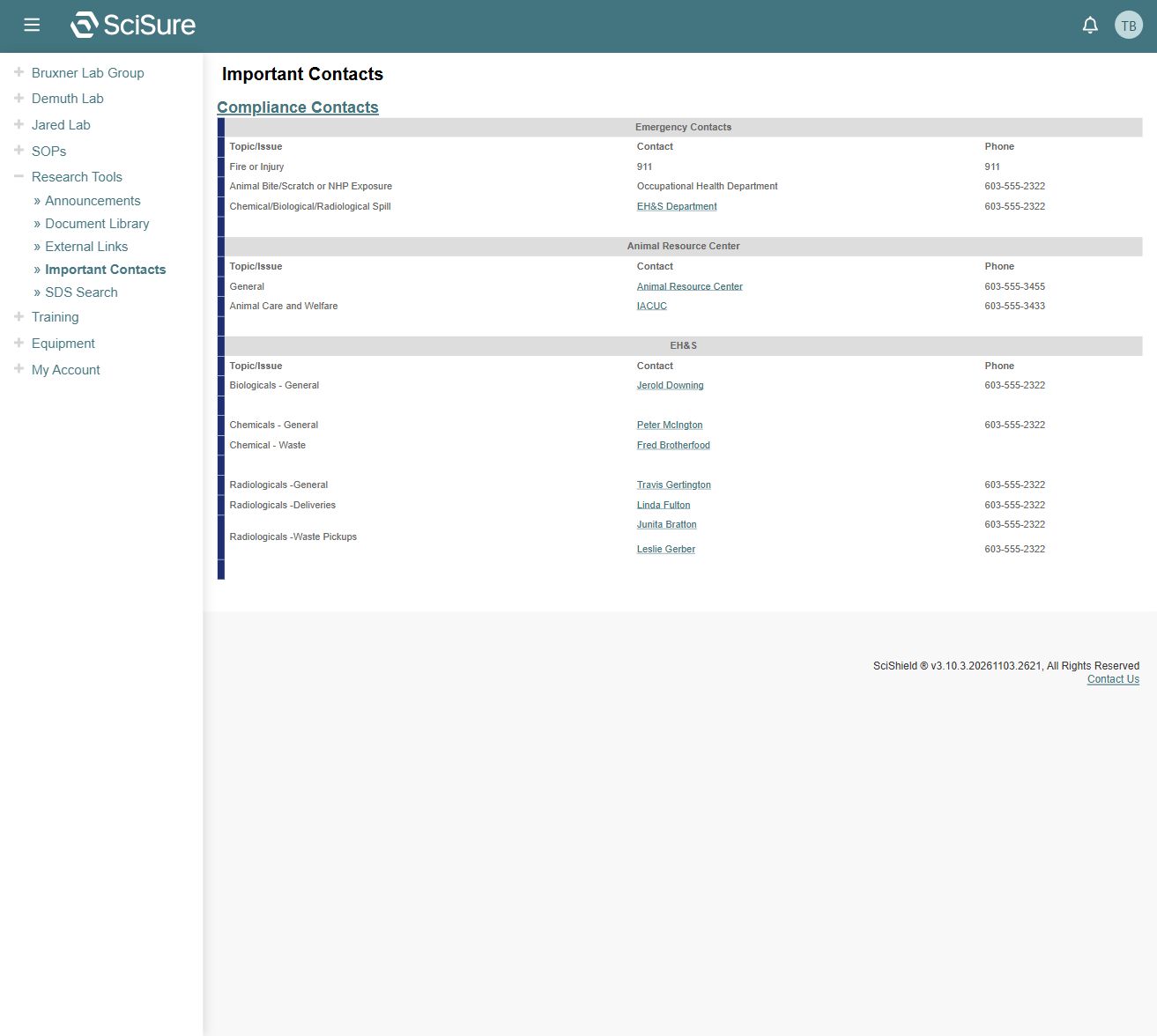
The inspected directory groups Topic/Issue, Contact, and Phone under sections such as Emergency Contacts, Animal Resource Center, and EH&S. EH&S entries distinguish biological, chemical, and radiological topics, including waste and deliveries.
Use the live directory on your institution's deployment. The screenshot contains development dataset contacts; do not use its sample numbers as a current directory. For an actual emergency, follow your local emergency procedure.
Organizational SOPs
Expand SOPs and select Organizational SOPs.
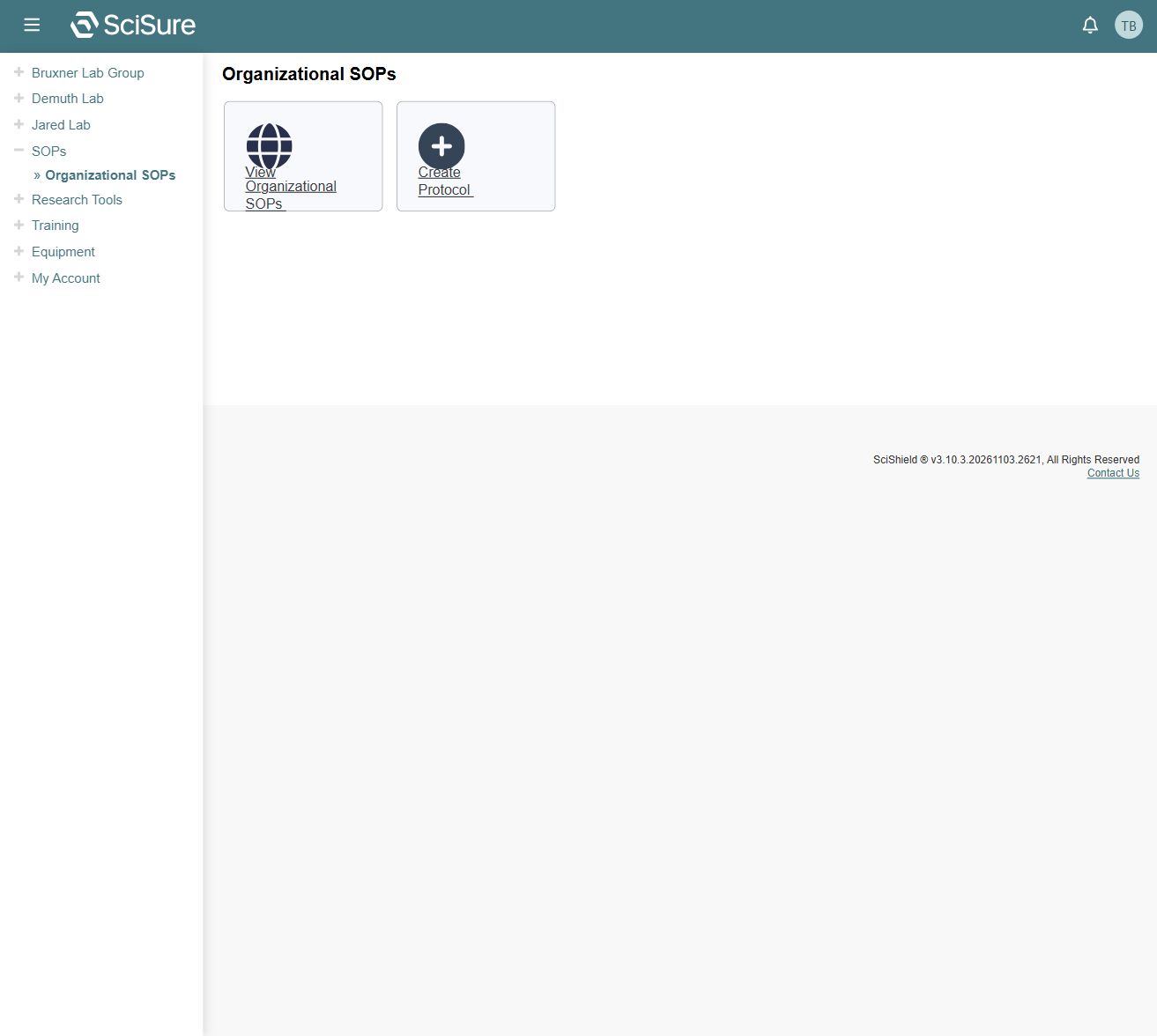
The page provides two integration links:
- View Organizational SOPs, pointing to
/members/protocols/?scope=public. - Create Protocol, pointing to
/members/protocols/?scope=user.
The linked protocol system was not inspected, so this guide does not claim that its editor, revision history, approval workflow, or acknowledgements are available or working in this local environment.
Announcements, external links, and knowledge base
The home page displays announcement previews and a View All Announcements link. Research Tools exposes Announcements and External Links. The home page's Visit Knowledge Base link opens a separate help integration.
Those entry points were observed; the full announcement list, external destination contents, and knowledge base were not reviewed. Institutional content and destination access can vary.
Related: Labs and spaces, Troubleshooting.